Answer from your shop’s rules
Explain your service area and diagnostic fee using the details you save. Keep repair quotes and unusual jobs for your judgment.
Answer website questions while you work. Your front desk gathers the job details and keeps the conversation in your Inbox, ready for your team to follow up.
Free setup and private practice. No card required.
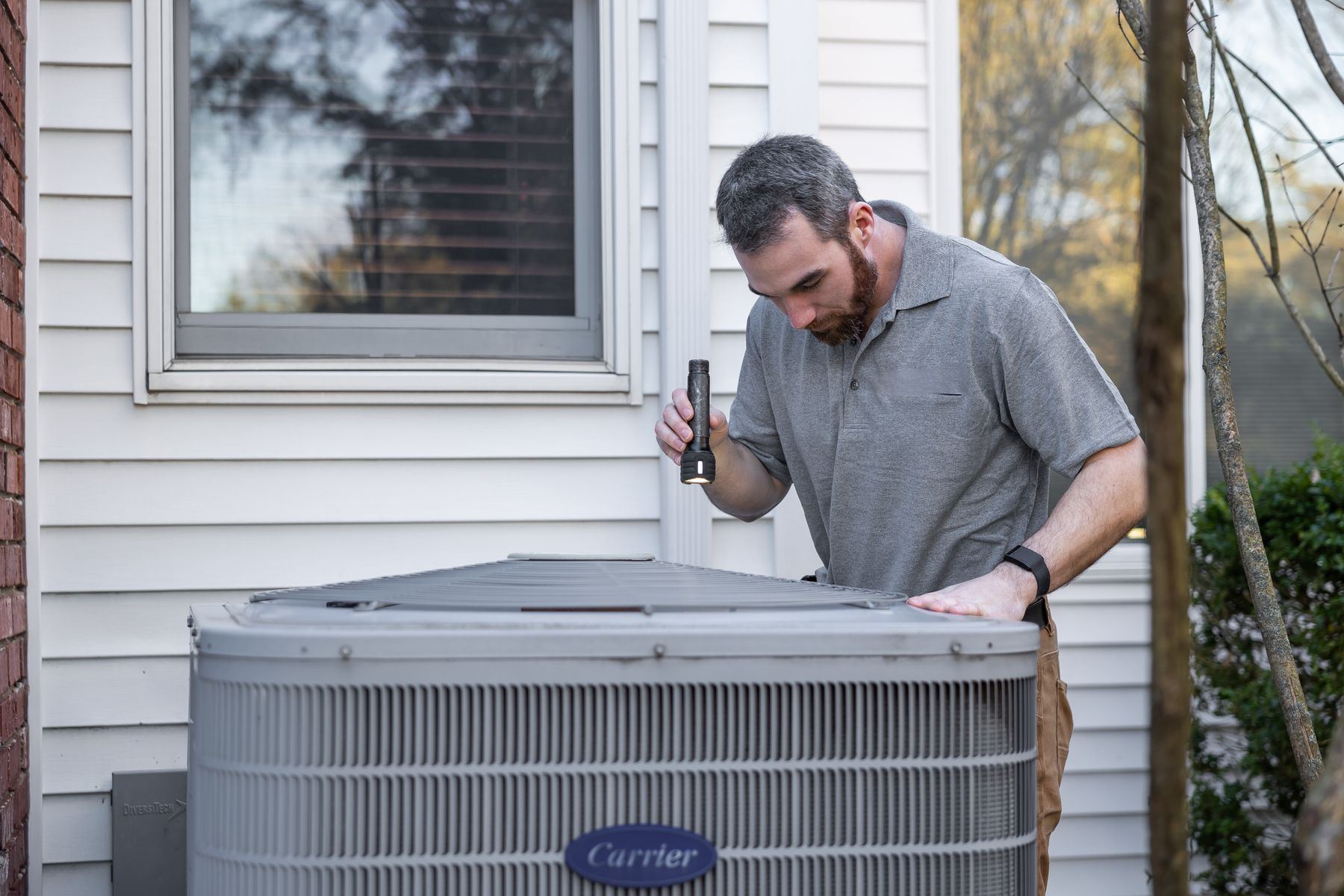 On the tools. Still taking care of customers.
AC not coolingTomorrow, 12 to 5
Job details together. Ready for your follow-up.HVAC Plumbing Electrical Home services
Explain your service area and diagnostic fee using the details you save. Keep repair quotes and unusual jobs for your judgment.
Read the problem, address, corrected contact number and requested timing together. The conversation stays beside the request, ready for your follow-up.
Review your contact attempts, planned follow-ups and message results beside each request. Know what is saved, what is waiting and what needs your attention.
Save your business details once. Choose the services your team needs, with guided setup and a connection check for each one.
Answer questions and gather job details from your website.
Choose your business number and how calls reach your front desk.
Prepare two-way customer texting with your registered sender.
Connect your calendar to keep saved visits with your schedule.
Link your account for lead conversations through approved partner access.
Bring new leads into your Inbox and keep track of your follow-up.
A service-area question. A concern about price. A change of phone number. Watch the front desk handle the conversation, then put it to the test yourself.
See how the chat explains a diagnostic fee, collects a request and keeps a corrected contact number with it.
Bayou Air & Heat serves Katy, Cypress, Memorial, the Energy Corridor, Sugar Land and Richmond. The $89 diagnostic goes toward the repair. Repairs are quoted on site. Requested arrival windows: 8 to 12 or 12 to 5; exact times are not promised.
Set the rules once. Try them as a customer. Then follow your chosen services through connection and their first check.
Meet the founderAdd the jobs you take, areas you cover, prices you publish and when you’re available. These details guide your front desk across the services you choose.
Run a private conversation with your business details. Check the reply and the saved request, then adjust anything you would handle differently.
Connect a service, review its permissions and any setup costs, then check that a request reaches your Inbox or Schedule.
Give customers a conversation that helps them take the next step.
Free to get started
A helpful first response. A clearer customer request.
Explore the planned service levels below. Choose your preference during free setup, or talk with us about your call volume and the way your team works.
Coverage
Phone and text plan preview
$99/ month
For smaller shops with lighter call and text volume.
Explore CoverageFollow-through
Phone and text plan preview
$249/ month
For busy teams with more customer conversations to handle.
Explore Follow-throughEnterprise
Built around your business
Custompricing
For multiple locations, larger teams and a tailored rollout.
Let’s talkChoosing a plan saves your preference. We’ll confirm the service, included usage and terms with you before any paid service begins.
Want to talk about your business?
Choose a time with Steve
Yes. Add your services, service area, fees and hours once, then try the questions customers ask every day. Review the replies and saved requests before connecting your services.
“Can you fix this?” “Do you cover my address?” “What’s the diagnostic fee?” Your front desk uses your saved answers, asks about the job and collects a request for your team.
In your Inbox, with the conversation beside each request. Review the job details and contact history, then choose your next action. Saved visits also appear in Schedule.
Customers can request a window from the availability you set. Your team remains responsible for confirming arrival details with the customer.
Yes. Visitors can chat in English or Spanish. Try the Spanish example and see the customer’s conversation alongside the owner’s summary.
Your workspace includes the chat installation code and a setup guide for your website. Add it yourself or share it with your website manager, then test a request from your site.
Your saved fees and quoting instructions guide the answer. If you quote repairs after an inspection, the front desk explains that and gathers the details for your follow-up.
Your safety and urgent-contact instructions guide the response. Keep a direct emergency contact visible on your site: a saved website request is not a live emergency dispatch.
Phone setup lets you choose forwarding from your existing business line or a dedicated front desk number. Texting uses the registered front desk sender; forwarding calls does not move your existing texts.
Connections shows the supported setup for Thumbtack conversations through approved partner access and Angi lead intake. Review the account permissions and next steps for each source. Replies to Angi leads stay in Angi. Lead purchases and advertising stay separate.
Account shows your connections, usage and subscription status. Use the service controls to pause or disconnect, or download your records. For a paid subscription, End renewal shows the end of the current paid period. Contact support@machinesandcloud.com if you need help.
No. Free setup and private practice do not start a subscription. Your workspace shows the applicable allowance and the offer to review before paid service.
Start with the way your shop works. Try the questions your customers ask, then connect the services you choose and keep their requests in one workspace.
Free to set up · No card required
Have questions? Let’s talk