Answer while you work
Give website visitors a helpful answer when you’re busy. Your saved services, prices and rules keep the conversation grounded.
AI front desk for home service shops
Give customers helpful answers while you work. Create your website front desk, add your shop’s rules, and try it yourself before customers use it.
Free workspace setup. No card required.
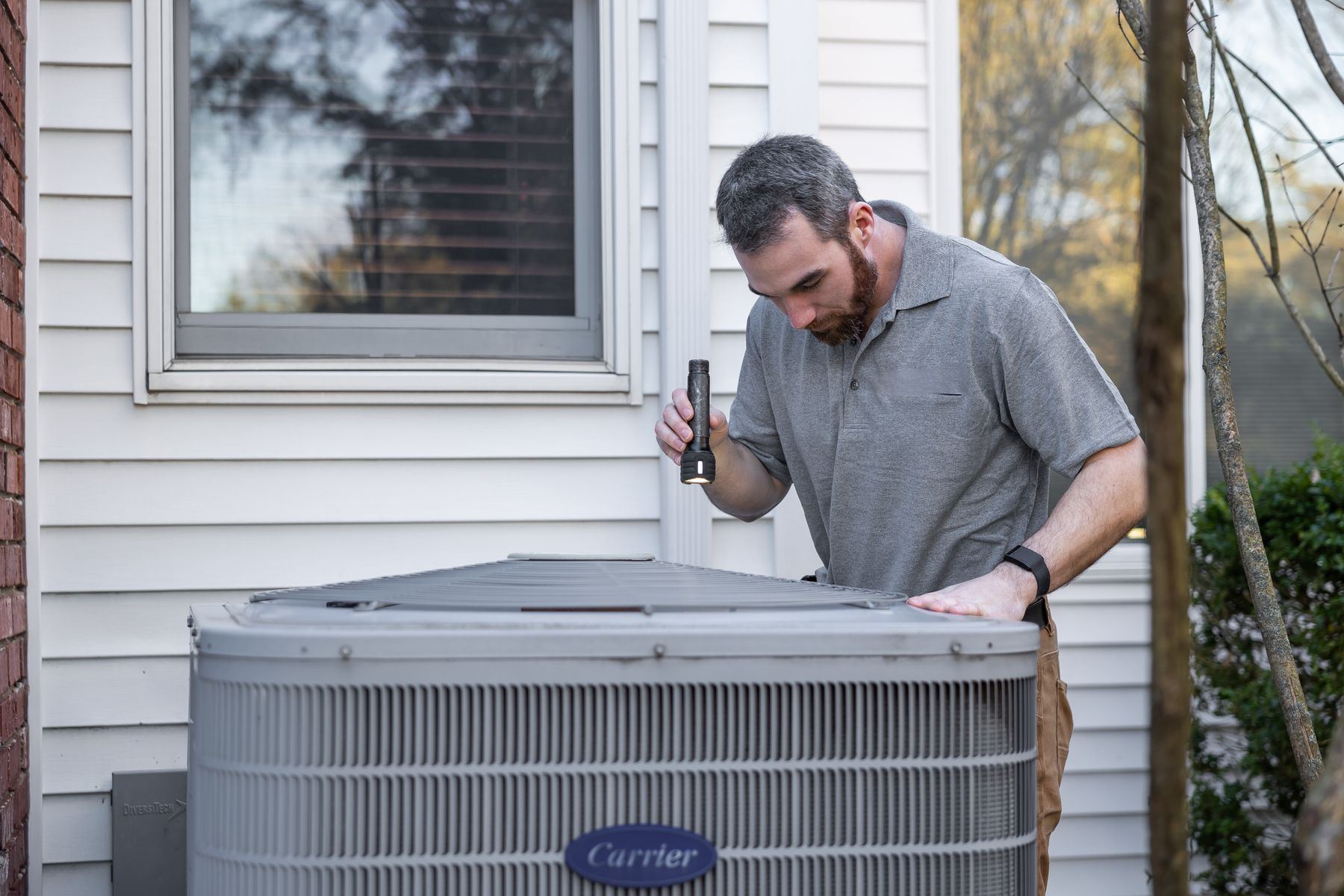 On the tools. Still taking care of customers.
AC not coolingTomorrow, 12 to 5
Customer details collected. You confirm the next step.HVAC Plumbing Electrical Home services
A little less on your plate
Give website visitors a helpful answer when you’re busy. Your saved services, prices and rules keep the conversation grounded.
Set your fees and arrival windows, block unavailable time, and collect the details you need to review a request.
Read customer requests and conversations in your workspace. Step in when needed and follow up with the details in front of you.
See it work
Ask the questions your customers ask.
See the answer, the details and your next step.
The desk answers your service-area and fee questions, then collects a request for you to review.
Bayou Air & Heat serves Katy, Cypress, Memorial, the Energy Corridor, Sugar Land and Richmond. The $89 diagnostic goes toward the repair. Repairs are quoted on site. Requested arrival windows: 8 to 12 or 12 to 5; exact times are not promised.
An example conversation. No actual appointment or message is created.
Or type a customer request below.
Simple plans
Choose the level of coverage that fits your business. Set up your workspace free; choosing a plan won’t start a subscription.
Coverage
For the owner who needs a hand while on a job.
$99/ month
150 call minutes · 500 outgoing texts
Follow-through
More room for a busy front desk.
$249/ month
600 call minutes · 1,500 outgoing texts
Enterprise
For larger teams and businesses with more than one location.
Custompricing
Let’s work through what your business needs.
Free to set up. No card required. Save your rules, try a private conversation and activate website chat after review, subject to daily AI limits. Phone answering, texting and calendar connections aren’t available yet. Coverage and Follow-through use the same workspace. No subscription or timed trial starts during setup; you’ll review paid service terms before any charge.
Usage figures are estimates for future paid service. Additional usage: $0.35 per call minute and $0.03 per outgoing text message. Text usage counts messages sent by the front desk; a long text may use more than one carrier segment. Enterprise scope and pricing are quoted after discussing your requirements.
Your shop. Your rules.
You set what the front desk can say and do. When a question needs your judgment, it comes back to you.
Meet the person behind itOnly the prices you publish. Anything else goes to you.
Requested windows respect your recorded availability. You confirm the next step; no exact arrival time is promised.
Urgent requests and questions on your handoff list appear in your workspace for review. Phone and text alerts are not active.
Website chat leaves your existing number and carrier as they are. Choose the connections you want in the same setup. Phone answering isn’t available yet, and we won’t change your number during signup.
Only the fees and arrival windows you set. New requests use recorded availability, and the front desk never promises an exact arrival time. Add work booked elsewhere as unavailable time; it does not read your other calendar’s busy times.
You set the safety instructions and the questions that need your judgment. The front desk follows those instructions and records urgent requests in your workspace. Phone and text alerts are not active, so check your requests regularly.
Manage availability and customer requests in your workspace, and download customer details as a CSV. Keep work booked elsewhere up to date here. Google Calendar, Jobber and Housecall Pro aren’t connected.
Your website front desk can answer visitors and collect job details. Connections to Angi, Thumbtack and Google leads aren’t available yet; keep replying through those platforms as usual.
Tell us about your business, verify your email and add the answers your customers need. Then review your front desk, try a private conversation and activate website chat when it’s ready. Phone, text and calendar preferences stay together in your workspace; those connections aren’t available yet.
Creating a workspace starts no paid subscription. Your customer details, requests and conversations belong to your shop, and you can export them. We never use one shop’s conversations to run another shop’s desk.
Your next job starts here
Tell us a little about your business. Then choose how your front desk welcomes customers, answers questions and gathers the job details.
Free to set up · No card required
Have questions? Let’s talk